Use Case: Scalable Web Applications
One of the most common use cases for CloudNOOE is designing and deploying scalable, resilient, and cost-effective web applications. This guide demonstrates how you can use CloudNOOE to build a production-ready web architecture in minutes.
We will design a classic three-tier web application that can handle variable traffic, ensuring high availability and performance.
The Goal: To deploy a web application architecture consisting of a load balancer to distribute traffic, an auto-scaling group of web servers, and a managed relational database.
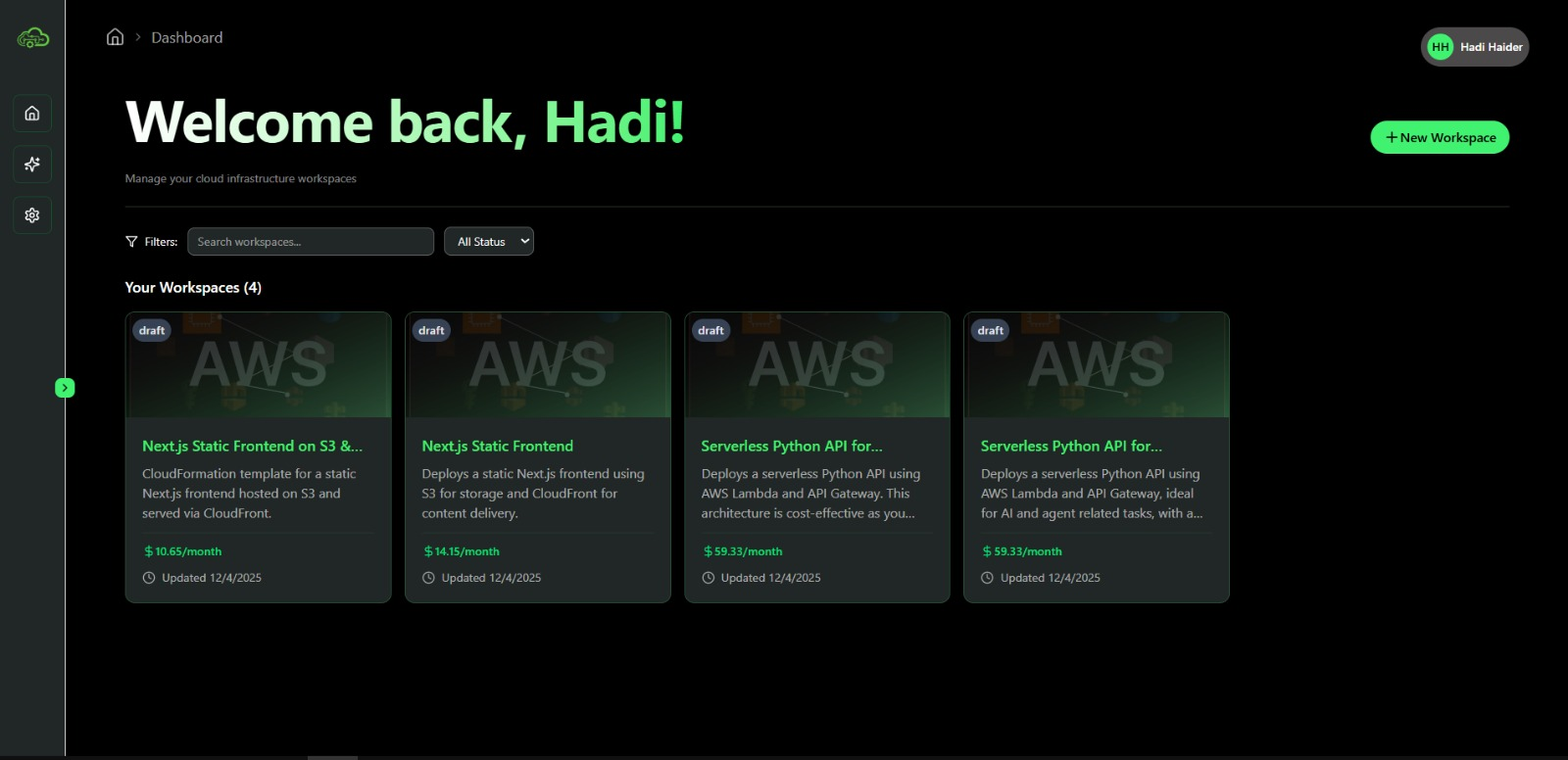
Step 1: Define the Architecture with a Single Prompt
Start by giving the AI Assistant a clear, high-level description of your goal.
AI Prompt Example:
"Create a highly available web application. I need an Application Load Balancer in public subnets, an Auto Scaling group of t3.micro EC2 instances across two private subnets, and a multi-AZ RDS MySQL database in separate database subnets. The web servers should be able to access the database."
The AI will instantly generate the complete architecture on your Visual Editor canvas, including:
- A new VPC with public, private, and database subnets.
- An Application Load Balancer (ALB) to distribute incoming traffic.
- A Launch Template and Auto Scaling Group for the EC2 instances.
- A Multi-AZ RDS instance for high availability.
- The necessary Security Groups and NACLs to allow traffic to flow correctly between tiers while restricting public access to the application and database layers.
Step 2: Fine-Tune the Configuration
The AI provides a solid foundation, but you can easily customize it.
- Configure the Auto Scaling Group: Click on the Auto Scaling Group in the visual editor. In the configuration panel, you can set:
- Desired Capacity: The initial number of instances.
- Min/Max Size: The boundaries for scaling in and out.
- Scaling Policies: Define rules for scaling, such as "add an instance if CPU utilization exceeds 70% for 5 minutes."
- Select the Database Size: Click the RDS instance and choose the instance class that matches your performance and cost requirements. You can also configure storage size, backups, and maintenance windows.
As you make these changes, the Real-Time Cost Estimator will update, showing you the financial impact of your decisions.
Estimated Time Savings: Building this architecture manually could take a senior DevOps engineer several hours to half a day. With CloudNOOE, this design phase is reduced to under 10 minutes.
Step 3: Deploy with Confidence
Once you are satisfied with the architecture and its projected cost, click the "Deploy" button. CloudNOOE will generate the CloudFormation template and deploy the entire stack to your AWS account.
You can monitor the progress in real-time. Once complete, you will have a fully functional, scalable, and resilient web application environment ready for your code.
Comparison: Web App Deployment
| Task | Traditional Manual Process | With CloudNOOE |
|---|---|---|
| VPC & Subnet Setup | 30-60 minutes of manual configuration. | Done in seconds by the AI. |
| Load Balancer & ASG | 1-2 hours of configuring launch templates and policies. | Done in seconds by the AI. |
| RDS & Security Groups | 1-2 hours of setting up instances and firewall rules. | Done in seconds by the AI. |
| Total Time | 3-5 hours (minimum, for an expert) | < 15 minutes (including design, tuning, and deployment) |
Why This Matters
This use case highlights the core benefits of CloudNOOE:
- Speed: What used to take hours of meticulous work is now accomplished in minutes. This allows your development team to move faster and iterate more quickly.
- Best Practices by Default: The AI automatically implements best practices like multi-AZ deployments for high availability and private subnets for security. This reduces the risk of misconfiguration.
- Cost Control: By seeing the cost implications of your choices upfront, you can build an architecture that meets your budget without sacrificing performance.
Next Steps
- Learn more about designing secure and efficient systems in our Architecture Design Best Practices.
- Have questions? Check out our FAQ.